

Feeling overwhelmed by what to post on social media every day? Trust me, you’re not alone. Planning your content in advance can save time, reduce stress, and help you stay consistent.
In this post I share a simple social media content plan to get you started (free printable pdf and in the end of the post):
Social Media Content Plan – A free Simple Structure for Every Day of the Week
A solid weekly structure helps you stay visible in social media, stay organized, and save a lot of time. I’ve made you a 7-day content plan you can rinse and repeat monthly.
I’ve also made an example post for each day. Feel free to get some inspiration 🙂
Weekly Content Plan
Monday – Quick Tip / Micro-Value Post
Start the week strong with a short, helpful tip your audience can use right away. Tips are always valued as they give the audience they can actually use to enhance their own lives.
Example post:
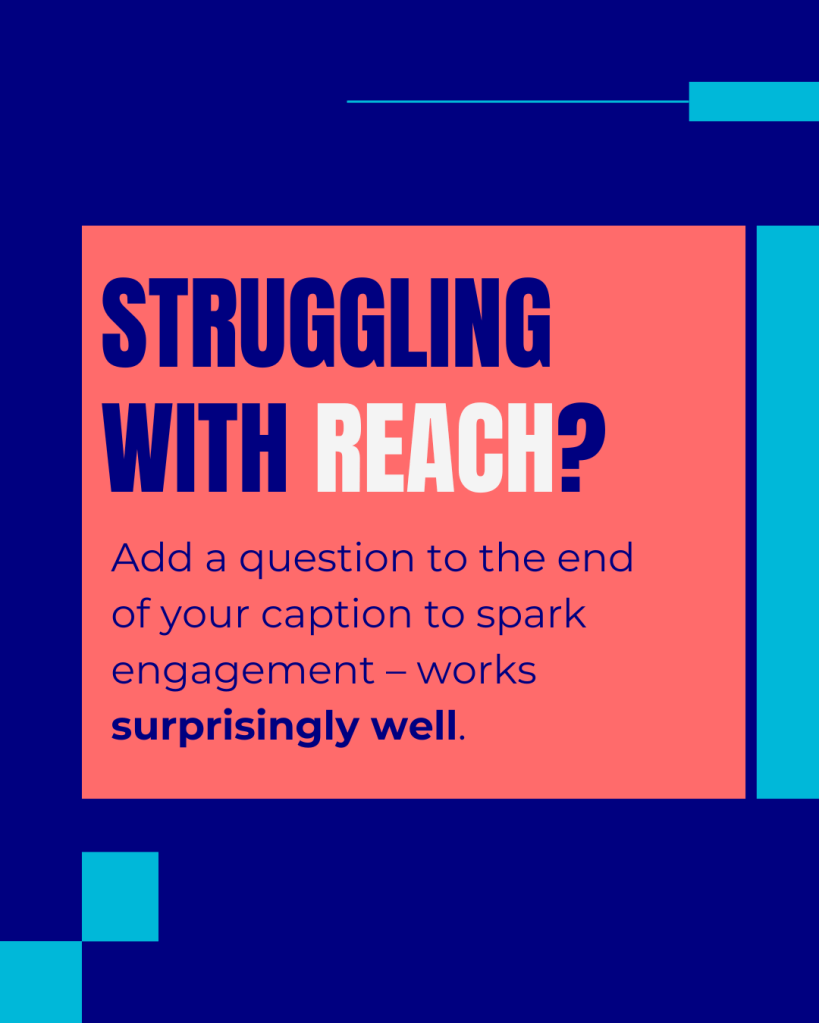
One simple tweak = more engagement!
Try ending your next caption with a question. I know it sounds basic, but it encourages replies and helps the algorithm notice you 🧠
#socialmediatips #contentplan #instagramengagement #captiontips #smallbusinessgrowth
Tuesday – Testimonial / Social Proof Post
Share a customer review, success story, or user-generated content to build trust with your clients.
Example post:

This client followed the content strategy and Reels system we built together – and the growth has been incredible!
Want the same results? Let’s talk 📩
#testimonialtuesday #clientresults #instagramstrategy #socialmediaservices #contentplan
Wednesday – Engagement Question Post
Ask something easy to answer. This will hep your engagement.
Example post:
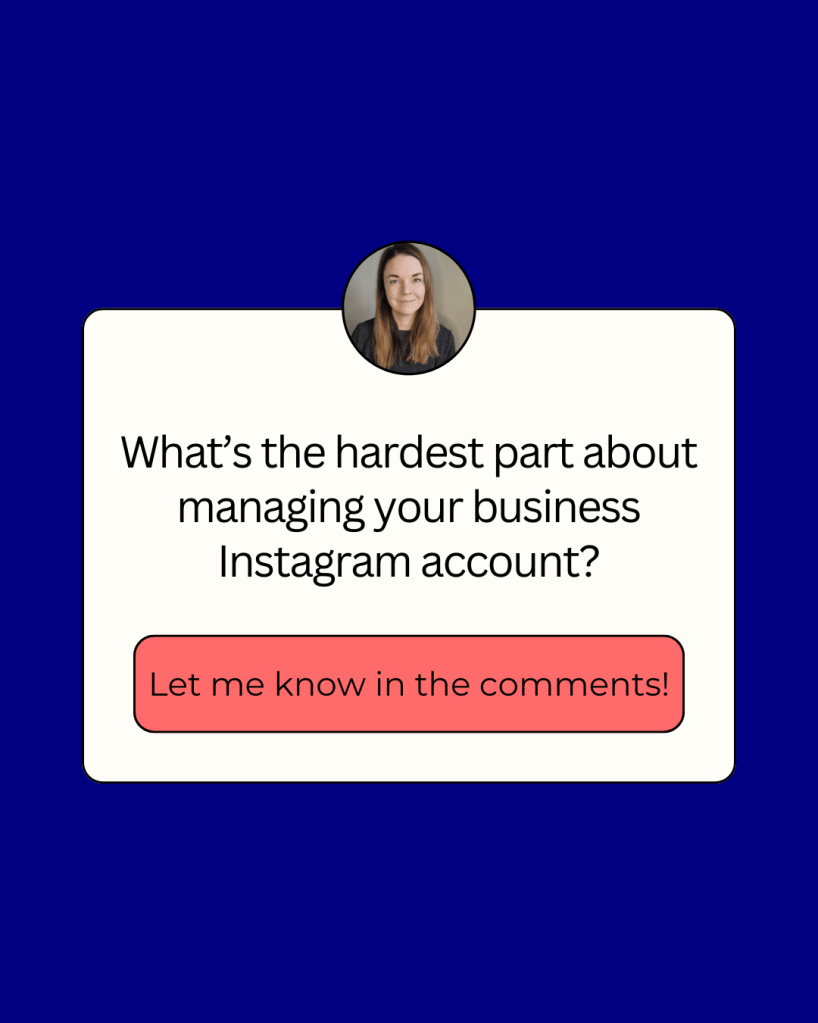
What’s the hardest part about keeping up with your business Instagram?
📌 Coming up with content ideas?
📌 Staying consistent?
📌 Not knowing what works?
Let me know in the comments!
#engagementpost #instagramhelp #contentstruggles #contentplanning #socialmediacoaching
Thursday – Behind the Scenes Post
Show what’s happening in your business: your workspace, process, or a personal touch.
Example post:

Planning out a full content calendar using Canva + Notion today 🎯
This system keeps things clear, visual, and flexible – both for me and my clients.
#behindthescenes #contentworkflow #contentcalendar #digitalmarketingtools #socialmediatips
Friday – Fun / Personality Post
Memes, trends, pets, coffee – whatever shows your brand personality.
Example post:

When your client’s content is scheduled three weeks ahead…
…but you forgot to plan dinner 😅
#freelancelife #socialmedia #solobusiness #fridayvibes
Saturday – Education / How-To Post
Teach something! Give free value to position yourself as an expert.
Example post:

Here are 5 starters that hook your audience instantly:
- “No one talks about this enough…”
- “Here’s what I wish I knew when I started…”
- “3 reasons why your [thing] isn’t working (yet)”
- “Read this if you’re struggling with…”
- “Stop doing this if you want better [result]”
#captiontips #instagramgrowth #contentideas #socialmedia
Sunday – Reflection & Inspiration Post
Share a quote, lesson learned, or thoughts on the week to connect authentically.
Example post:

I used to feel awkward about promoting my services – like I was “posting too much.”
But the truth is: people need reminders, real value, and examples of what you offer.
If you believe in your work, show up for it ✨
#smallbusinessbranding #contentconfidence #socialmediacoach #mindsetmatters
How to Make It Work?
- Use a content calendar (like the one below!)
- Batch your content creation weekly or bi-weekly
- Use free schedulers like Buffer or Meta Business Suite
- Don’t be afraid to repurpose your top-performing posts
Download: Fillable Weekly Social Media Content Calendar pdf
Here’s a simple Canva-style weekly social media content planner you can fill out and reuse every week.
Use it to map your weekly themes and avoid the frustrating “what should I post?” spiral.
 Tammivaara Digital Marketing
Leave a comment